Welcome, Hunter! 👋 Enjoy 50% OFF annual plans with code PRODUCTHUNT — limited time ⏳
50% OFF annual plans — code PRODUCTHUNT

Shopify Logo Showcase
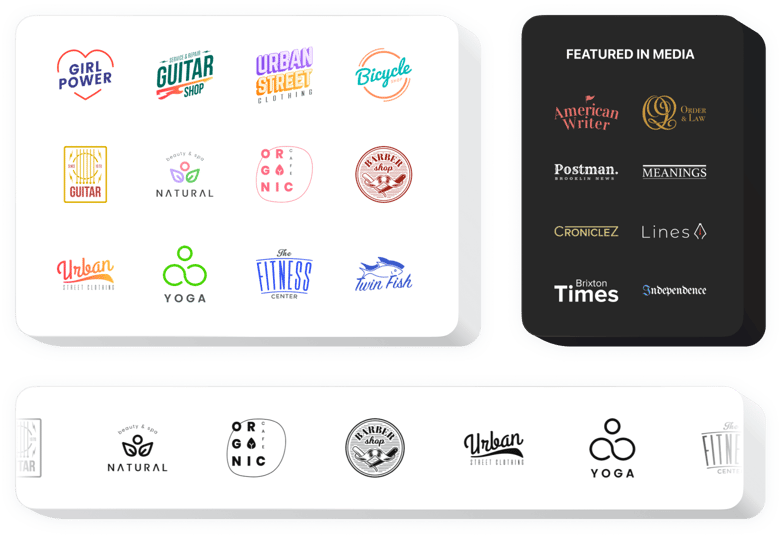
Display brand, vendor, and partner logos on your Shopify website to build trust and show visitors your brand is backed by industry leaders.
4.8 rating
10,000+ reviews
Free plan available
Create Widget for Free
No credit card needed
Shopify Logo Showcase

Create your Logo Showcase app

Configure your Logo Showcase and add it to your Shopify website for free!

Screenshots

Shopify Logo Showcase
1 / 6

Embed Logo Showcase on Shopify with the Elfsight widget

Elfsight Logo Showcase is the perfect tool for displaying multiple clients’ or promoters’ logos or your press mentions on the website. With the widget, you will show that your company is a trustworthy partner and keep up a positive perception of your business. Elfsight widget enables you to display any number of emblems, arrange them into a carousel or grid, and vary the scale of the logos. You can enter a caption and a link to the company’s website. Using colors and fonts features, you can achieve a unique look of the logos.

Level up sales showing your splendid business reputation, with customers’ logos on the website.

Main features of the Logo Showcase widget

Here’s a list of all the functional traits of Logo Showcase. You can adjust them right in the editor and they will help you shape the widget exactly for your case.

  • The option to Connect each logo to any address;
  • Removable widget header featuring title and text with formatting supported;
  • Call-to-action button can be linked to any page;
  • Three different widget layouts: Slider, Grid, and Carousel;
  • A feature to set the logo size and the widget width parameter;
  • Choose any background color or upload a custom file.

Check how all the features work, in our demo

How to embed Logo Showcase on Shopify?

To integrate widget, simply follow the instructions below

  1. Perform our free configurator and start creating your custom app.
    Choose the selected layout and aspects of the app and save all the edits.
  2. Acquire the unique code shown in the window on Elfsight Apps.
    As soon as the configuration of your personal app is finished, copy the individual code in the emerged window and keep it for future occasion.
  3. Commence usage of the app on your Shopify website.
    Embed the code you’ve saved before in your web page and apply the adjustments.
  4. The setup is fully ended.
    Go to your website to view the functioning of the app.

Feel free to address our support service in case you need help or having something to ask. We will be happy to help with every request.

Does the Logo Showcase app work with all Shopify themes?

Yes, the app is compatible with all Shopify themes, including Online Store 2.0 themes. It adapts automatically to your store’s layout and design.

Do I need Shopify Online Store 2.0 to use the app?

No, the app works on both older Shopify themes and Online Store 2.0. You can add it through app blocks or Custom Liquid, depending on your theme.

What image formats and sizes are supported for logos?

The logo slider supports PNG, JPG, SVG, and GIF formats. For best loading speed, use images around 300px wide and under 1MB in size.

Can I upload multiple logos at once in Shopify?

Yes, bulk upload is available in the editor, allowing you to add multiple brand or partner logos in a single batch.

How can I rearrange logos in the Shopify app?

You can change the order of logos using drag-and-drop in the Elfsight editor. The new sequence is applied instantly without re-uploading files.

Can I randomize logo order on each page load?

Yes, enabling the Random Order option will shuffle logos every time your Shopify page loads, creating a dynamic display.

Do logos slide automatically in Shopify?

In the carousel layout, you can enable auto-slide for automatic rotation. The ticker layout scrolls logos continuously by default.

Can I adjust scrolling speed or slide timing?

Yes, you can control animation speed by selecting slow or fast scrolling in ticker mode or defining slide intervals in carousel mode.

Can the animation pause when customers hover over logos?

Yes, you can activate pause on hover so the scrolling or auto-play stops temporarily when visitors move their cursor over the logos on your Shopify website.

Can I customize logo colors or apply filters?

You can keep original logo colors, apply a single custom color to all logos, or use a grayscale filter for a consistent visual style.

Are logos clickable in my Shopify store?

Yes, each logo can include a custom link, phone number, or email address that opens when customers click on it.

Can I add a call-to-action button below the logos?

Yes, Elfsight lets you display an optional CTA button under the gallery and link it to any URL, phone number, or email for extra engagement.

Pricing

14-day money back guarantee. Risk-free, you can cancel at anytime.
Elfsight Apps
Cross-platform version that works on any website
from $0 / month
start with free plan
Unlimited websites
Premium support
Free installation service
Special offer for multiple apps
Shopify App
Works on any Shopify website
$5.99 / month
Free Trial
1 website
Premium support
Free installation service